
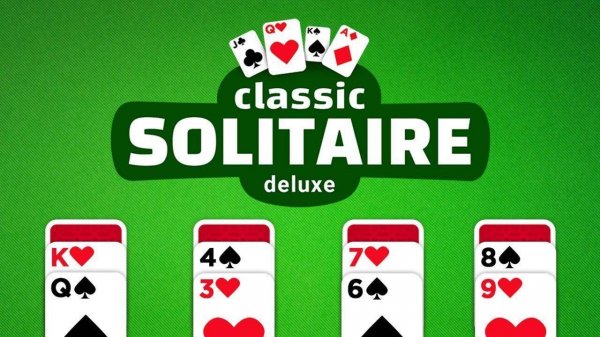
Classic Solitaire Deluxe Card Puzzle
Reviews
Classic Solitaire Deluxe Card Puzzle offers a polished version of the traditional card game. The clean interface and adjustable draw modes make it accessible for all ages. Stat tracking helps players improve their skills, while the undo feature encourages experimentation. It is a relaxing puzzle experience that respects the classic rules.
About this game
Game Introduction
Classic Solitaire Deluxe Card Puzzle is a digital adaptation of the well-known solitaire card game. It offers a calm and engaging puzzle experience suitable for players of all ages. The main goal is to transfer all cards from the tableau to the foundation piles, organizing each suit in order from Ace to King. This version focuses on a clean, family-friendly presentation. It includes features such as progress tracking and options for different draw modes. Whether you have a few minutes or want a longer session, this game provides a familiar yet polished challenge. It is designed to be accessible for newcomers while still offering depth for experienced players.
How to Play
Players arrange cards on the tableau in descending order while alternating colors. The objective is to move cards to the four foundation piles, starting with Aces and building up to Kings. Cards are drawn from the stockpile, and players can choose between drawing one card at a time for a simpler game or three cards for added difficulty. An undo button allows reversing moves. The layout can be adjusted to left or right alignment based on personal preference. Gameplay involves clicking and dragging cards to move them, providing a smooth and intuitive experience.
Game Features
Classic Solitaire Deluxe Card Puzzle includes stat tracking for wins, losses, and streaks. Players can select between 1 card draw or 3 card draw modes to change the challenge level. The tableau alignment can be set to left or right for a customized view. An undo button is available to reverse moves, and the game automatically saves progress. These features help players improve their card arrangement skills over time while offering a flexible and user-friendly interface.
Tips for Success
To enhance your solitaire skills, practice regularly and learn to recognize patterns in card placement. Aim to move cards from the tableau to the foundation piles early to free up space. Use the undo feature to try different moves without penalty. Choose the draw mode that suits your style—1 card draw is generally easier, while 3 card draw provides more challenge. Monitor your statistics to track progress and identify areas for improvement.







Comments
Sign in to leave a review
No account? Create one
No comments yet.